Telegram Signal Detection
Reads trading signals directly from Telegram channels with automatic parsing and smart validation.
TGSignalBridge connects Telegram trading signals directly to Pocket Option with automatic execution, Martingale support, payout filters, live statistics, trade history, and a powerful real-time monitoring console.
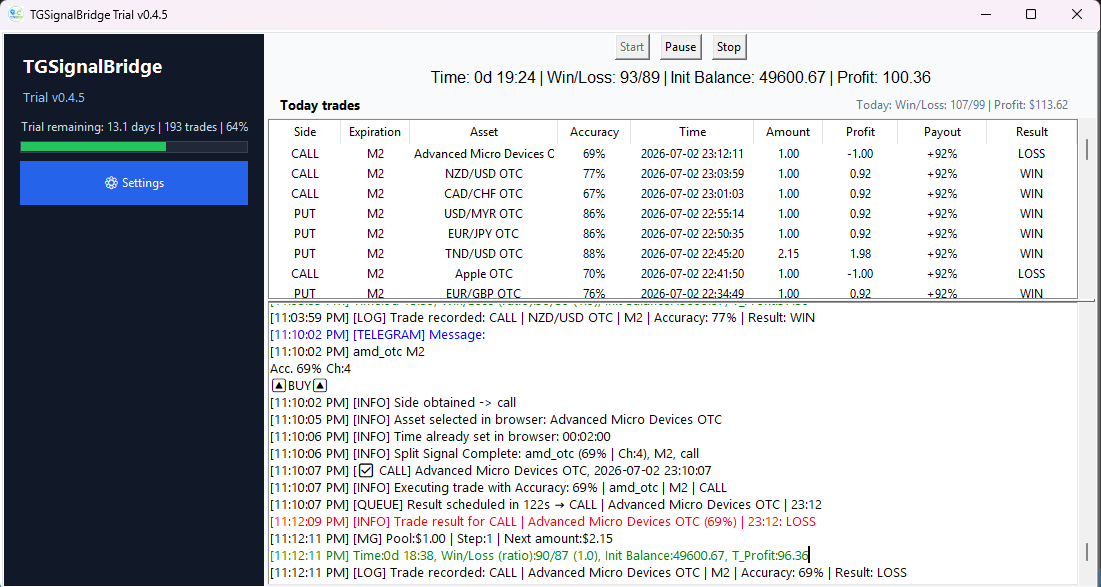
Everything you need to automate your trading workflow with speed, control, and stability.
Reads trading signals directly from Telegram channels with automatic parsing and smart validation.
Instantly executes signals on Pocket Option with expiration detection and direction handling.
Integrated Martingale engine with coefficient control and configurable step management.
Prevents low quality trades by checking minimum payout and auto balance checking before execution.
Monitor wins, losses, profit, elapsed runtime, and account balance in real time.
Advanced, detailed, terminal-style logging of all processes, featuring timestamps, color-coding, warnings, and error tracking.
Simple setup. Fast execution. Full control.

Open the TGSignalBridge and Setting you Telegram connection, enter the API credentials and the channel configuration.

Set the Pocket Option parameters and your preferred strategy of Filters, Martingale and Protection.
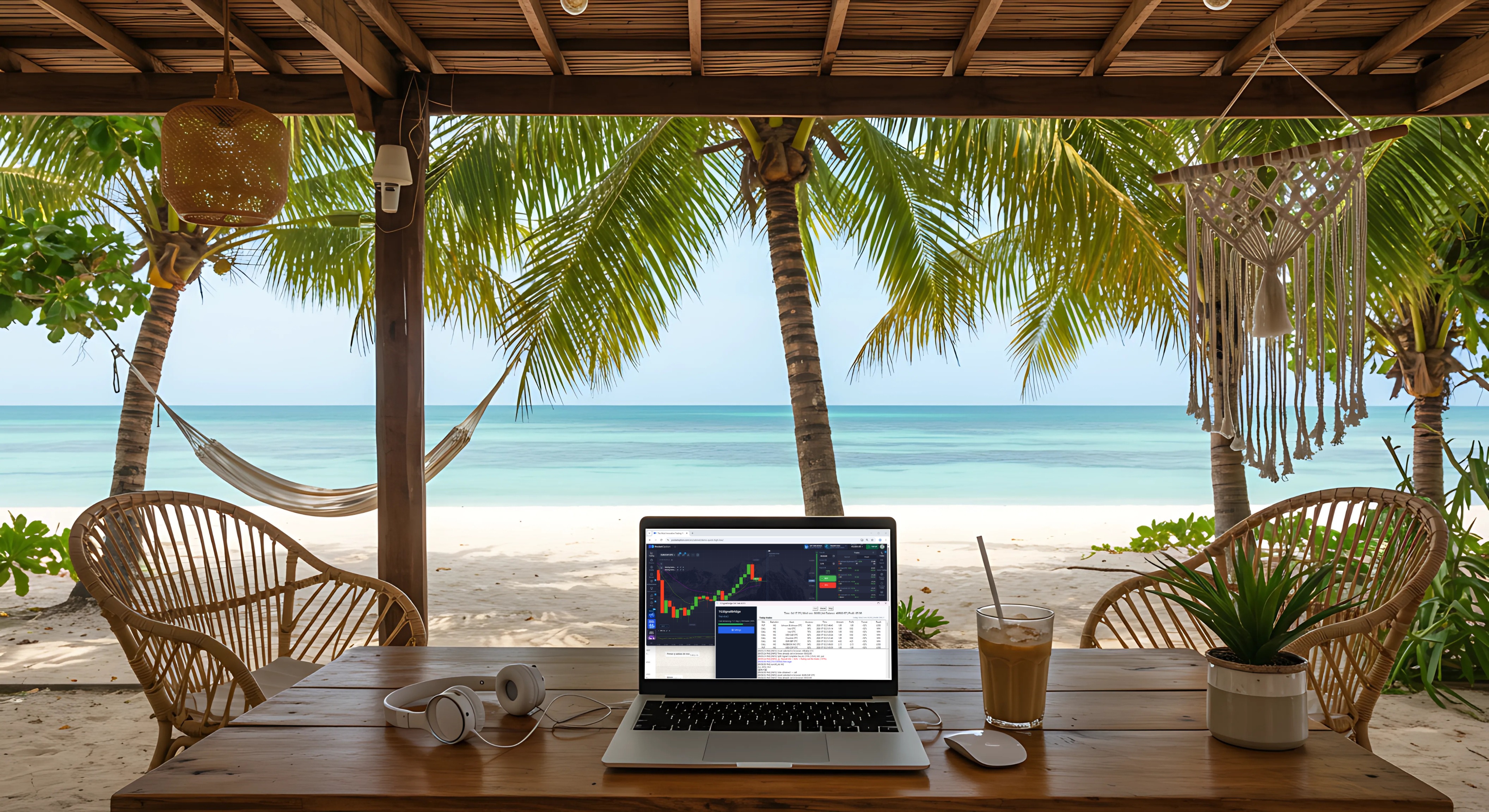
Just press Start and relax while TGSignalBridge get the signal, handle the browser and tracking the trades for you.

Get started with TGSignalBridge in just a few minutes.
Download the latest TGSignalBridge release directly from the official website.
Open TGSignalBridge and go to Setting. Set your Telegram API ID, API HASH, phone number. Set your Telegram signal channel.
Set the Pocket Option account and Payout filters. Set your Signal type and parameters.
Set Martingale, Execution and Protection options.
Press Start and allow TGSignalBridge to begin processing signals automatically. *Connect to Telegram and Login to Pocket Option if it's necessary.
Experience automated Telegram signal execution with professional trade management, live monitoring, payout protection, and advanced Martingale tools.
Contact us for setup assistance, bug reports, feature requests, or general questions.
📢 Telegram:
@TGSignalBridgeSupport
✉️ Email:
support.tgsignalbridge@gmail.com